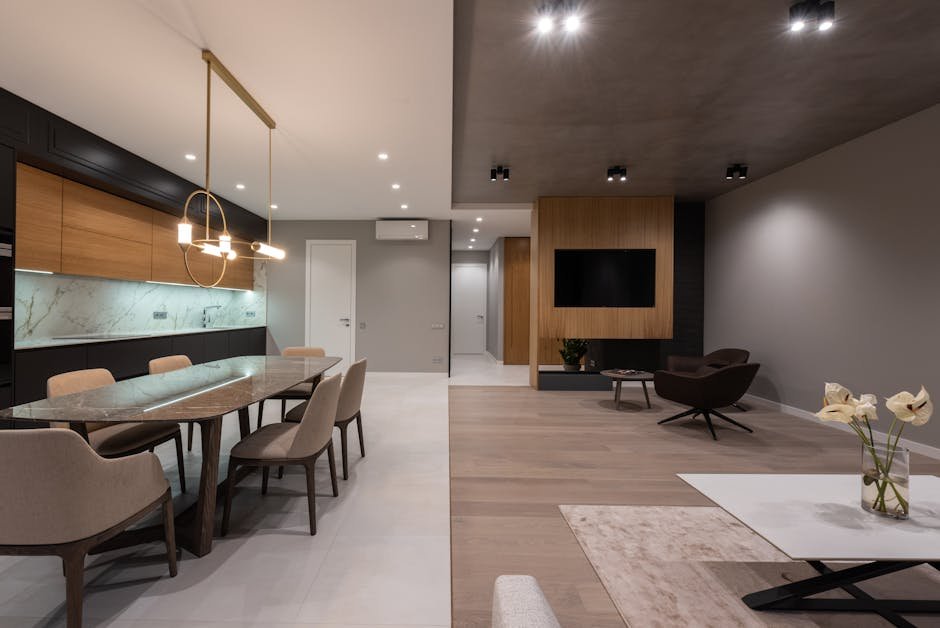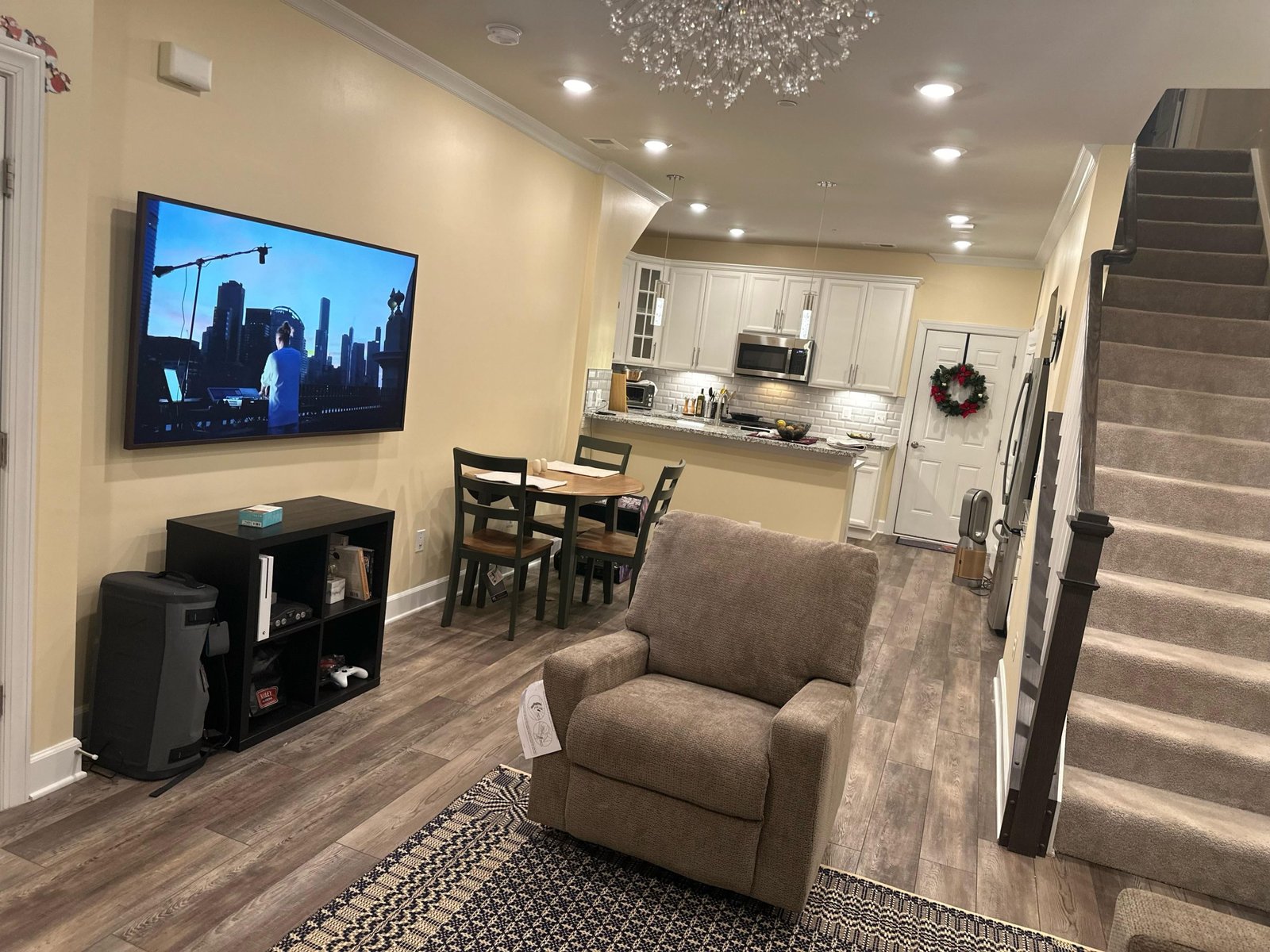
Struggling to find the perfect spot for your TV in a small living room with a recliner? You’re not alone.
Balancing comfort, space, and viewing angles can feel like a puzzle. But don’t worry—arranging your TV just right can transform your space into a cozy entertainment hub. Keep reading, and you’ll discover simple, smart ideas to make your small living room work perfectly for you and your recliner.
Choosing The Right Wall
Finding the best wall for your TV in a small living room with a recliner is important. The right wall makes watching TV comfortable and keeps the room looking nice.
Think about light, space, and how the room looks when you pick where to put the TV. These choices help you enjoy your space more.
Consider Natural Light And Glare
Natural light can brighten your room but cause glare on the TV screen. Avoid walls that get direct sunlight during your usual viewing times. Use curtains or blinds to control light if needed.
Maximize Space Efficiency
Use the wall space wisely to keep the room open and cozy. Placing the TV on a wall near the recliner saves space and creates a good viewing angle. Avoid blocking windows or pathways.
- Choose a wall close to the recliner
- Keep pathways clear for easy movement
- Use wall mounts to save floor space
- Keep cables tidy with clips or channels
Balance Room Focal Points
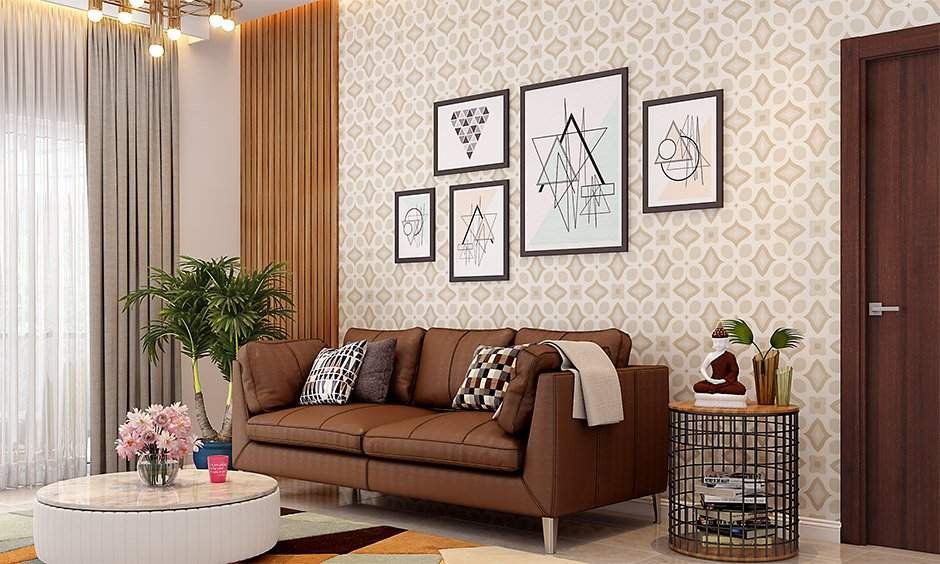
Make sure the TV wall works with other room features like windows, artwork, or a fireplace. Balance the room by not placing the TV where it competes with these features.
| Room Feature | Wall Choice Advice |
|---|---|
| Fireplace | Place TV on adjacent wall, not above fireplace |
| Large Window | Avoid TV on window wall to reduce glare |
| Artwork | Keep TV separate to highlight art |
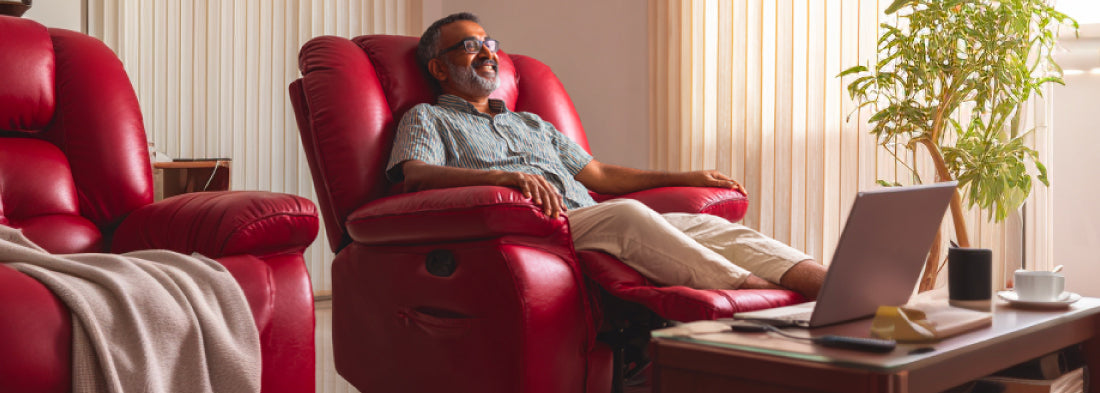
Credit: www.duroflexworld.com
Optimal Tv Height And Viewing Angle
Choosing the right TV height and angle is key in a small living room. This helps you enjoy shows comfortably, especially with a recliner.
Proper placement reduces strain on your neck and eyes. It also makes your space look balanced and neat.
Eye Level Placement
The ideal TV height is where the center of the screen meets your eyes while sitting. This usually means the middle of the screen is about 42 inches from the floor.
Measure your recliner’s seating height to find your eye level. Place the TV so you look straight ahead at the center.
Avoiding Neck Strain
Watching TV at the wrong height or angle can cause neck pain. Keep your head and neck in a natural position to avoid discomfort.
- Keep the TV screen at eye level
- Do not place the TV too high on the wall
- Adjust your recliner so you don’t have to look up or down
- Take breaks to stretch your neck during long viewing
Adjustable Mount Options
| Mount Type | Benefits | Best For |
|---|---|---|
| Fixed Mount | Simple, keeps TV steady | Small rooms with fixed seating |
| Tilting Mount | Adjusts vertical angle to reduce glare | Rooms with bright windows or higher TV placement |
| Full Motion Mount | Swivels and extends for flexible viewing | Rooms with multiple seating spots or recliners |
Choose a mount that fits your room size and seating layout. Adjustable mounts help keep the TV at the best angle.
Positioning The Recliner
Placing a recliner in a small living room needs careful thought. The right spot lets you enjoy the TV comfortably and keeps the room feeling open.
This guide helps you find the best place for your recliner. Focus on viewing distance, recliner movement, and room flow.
Creating Comfortable Viewing Distance
The distance between the recliner and TV matters. Too close strains your eyes. Too far makes details hard to see.
- Measure your TV screen size to set viewing distance.
- Keep at least 1.5 to 2.5 times the screen size away.
- Place recliner facing the TV directly for clear views.
- Adjust room lighting to reduce glare on the screen.
Allowing Recliner Movement
Recliners need space to move back and forth. Blocked paths limit comfort and damage walls or furniture.
| Recliner Type | Recommended Clearance Behind | Recommended Clearance in Front |
| Wall-Hugger | 4 inches (10 cm) | 18 inches (46 cm) |
| Traditional Recliner | 12 inches (30 cm) | 36 inches (91 cm) |
| Swivel Recliner | 6 inches (15 cm) | 24 inches (61 cm) |
Integrating With Room Flow
Good room flow lets people move easily around the recliner and living space. Blocked paths feel cramped and uncomfortable.
Tips to keep room flow smooth:
- Place recliner near a wall to save center space.
- Leave at least 24 inches (60 cm) wide walking paths.
- Avoid placing recliner in main walking routes.
- Use rugs or furniture to define seating zones.
Space-saving Furniture Arrangements
Placing a TV in a small living room with a recliner needs smart planning. Space-saving furniture helps keep the room open and comfortable.
Choosing the right furniture arrangement makes the room look bigger and works well for relaxing and watching TV.
Using Corner Units
Corner units make good use of empty corners in the room. They hold the TV and other items without taking up too much space.
- Place the TV in the corner to save wall space.
- Use corner shelves or cabinets for storage.
- Keep the recliner angled towards the corner unit for clear viewing.
Floating Shelves And Cabinets
Floating shelves and cabinets attach to the wall. They free up floor space and add storage near the TV.
| Type | Benefit | Best Use |
| Floating Shelf | Holds small decor or remotes | Above or below TV |
| Floating Cabinet | Stores media devices and games | Under TV |
| Wall-mounted Unit | Combines shelves and cabinets | Along main wall |
Dual-purpose Furniture
Furniture that serves two functions saves space and adds value. Look for recliners with storage or tables with shelves.
- Recliners with built-in storage for blankets or magazines
- Ottomans that open for extra storage
- Side tables with shelves for remotes and books
- TV stands with drawers or cabinets
Cable Management And Accessories
Organizing cables in a small living room can be challenging. With a recliner and a TV setup, managing cables becomes essential. Proper cable management keeps the area tidy and prevents accidents.
Accessories can help in keeping the cables organized. Using cable ties and clips can make a significant difference. They help in bundling and securing the cables neatly.
Hiding Wires Effectively
Wires dangling from the TV can be an eyesore. Hiding them effectively is crucial. Use wire covers or raceways to conceal cables along the walls.
- Run cables through walls using in-wall cable management kits
- Use decorative fabric sleeves to bundle wires
- Secure cables behind furniture with clips
Incorporating Sound Systems
Sound systems enhance the TV viewing experience. In a small living room, choose compact sound systems. Soundbars are a great option as they require minimal space.
Place the soundbar below the TV for optimal sound. Wireless speakers reduce cable clutter and improve aesthetics. Ensure they are placed at ear level when seated.
Lighting Considerations
Lighting affects how you view the TV. Too much glare can strain your eyes. Use curtains or blinds to control natural light during the day.
Consider using dimmable lights for the evening. This creates a cozy environment without affecting the TV screen. LED strip lights behind the TV can add ambiance.
- Position lamps to avoid screen reflections
- Use warm bulbs for a softer glow
- Install smart lights for easy control

Credit: www.apartmenttherapy.com
Alternative Tv Placement Ideas
Finding the right spot for your TV in a small living room with a recliner can be tricky. You want good viewing angles without crowding the space.
Here are some smart ideas to place your TV that save space and improve comfort.
Mounted On A Swivel Arm
Mounting your TV on a swivel arm lets you adjust the screen angle easily. This setup works well if your recliner is off to the side or the room is narrow.
- Save floor space by mounting the TV on the wall.
- Swivel the TV towards your recliner for the best view.
- Hide cables behind the wall for a clean look.
- Choose a strong mount to support your TV’s weight safely.
Using Tv Stands With Storage
A TV stand with storage offers more than just a place for your screen. It also helps organize media, remotes, and other items.
| Storage Type | Benefits |
|---|---|
| Open shelves | Easy access to devices and decor |
| Closed cabinets | Hide clutter and protect equipment from dust |
| Drawers | Store small items like cables and manuals |
Projector Setup Options
Using a projector can free up space by removing the need for a large TV screen. You can project onto a blank wall or a retractable screen.
Consider these points for a projector setup:
- Place the projector on a shelf or ceiling mount.
- Choose a screen that fits your wall and lighting.
- Use blackout curtains to improve image quality.
- Keep cables organized to avoid tripping hazards.

Credit: yawnder.com
Frequently Asked Questions
Where Is The Best Spot For A Tv In A Small Living Room?
Place the TV against the longest wall to maximize space. Avoid blocking windows or pathways. Position it at eye level for comfortable viewing from the recliner.
How To Arrange A Recliner And Tv For Small Rooms?
Keep the recliner directly facing the TV to ensure a clear view. Leave enough space behind for recliner movement. Use wall mounts to save floor space.
Can A Corner Tv Setup Work With A Recliner?
Yes, corner TV setups save space and provide good angles. Place the recliner to face the corner without obstruction. Use swivel mounts for adjustable viewing.
Should I Mount The Tv Or Use A Stand In Small Rooms?
Wall mounting is ideal to free floor space in small rooms. It creates a clean look and prevents clutter. Use sturdy mounts suitable for your TV size.
Conclusion
Placing a TV in a small living room with a recliner can be simple. Choose a spot that allows clear views from the chair. Use wall mounts to save floor space. Keep the area clutter-free for comfort. Think about lighting and glare on the screen.
Small rooms need smart choices for both style and function. With the right setup, your space feels cozy and inviting. Enjoy your TV time without crowding the room.