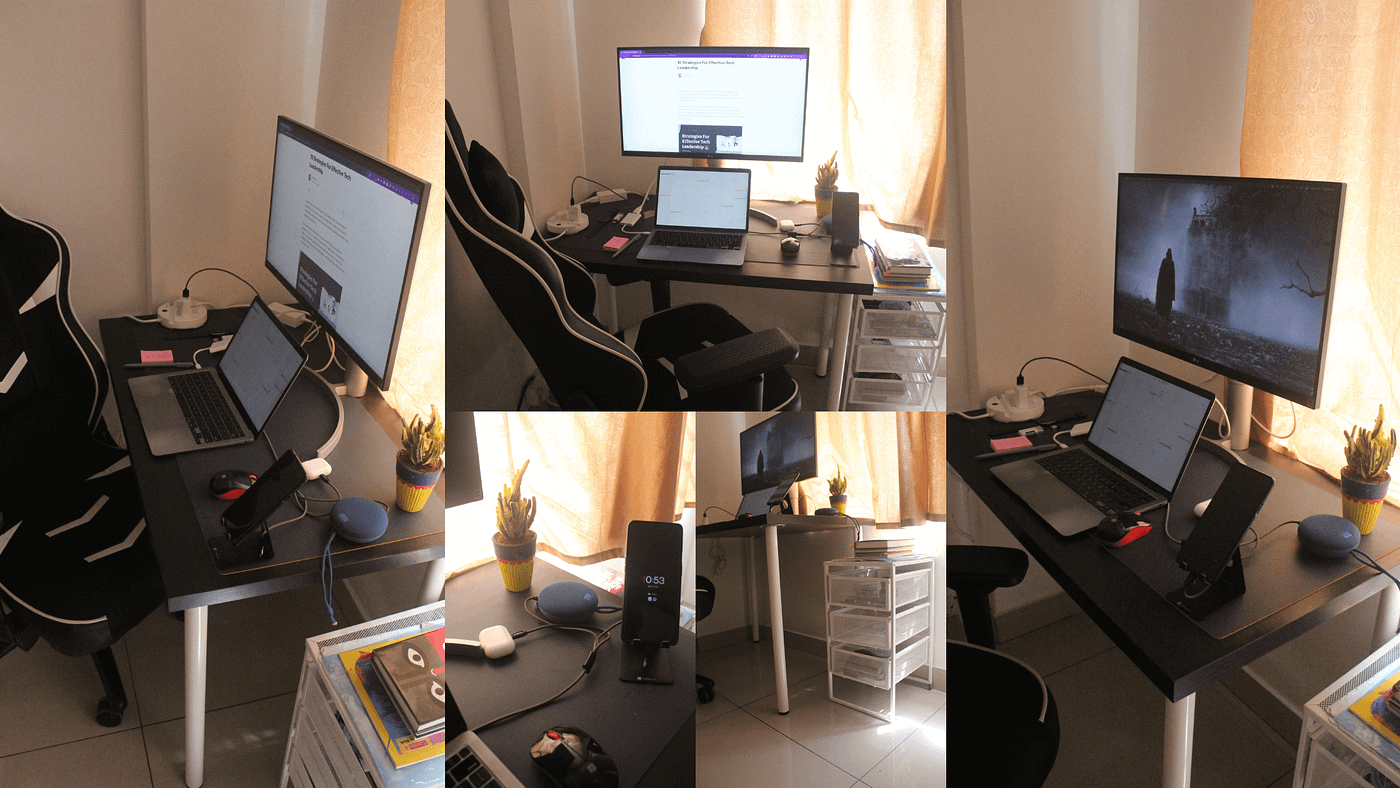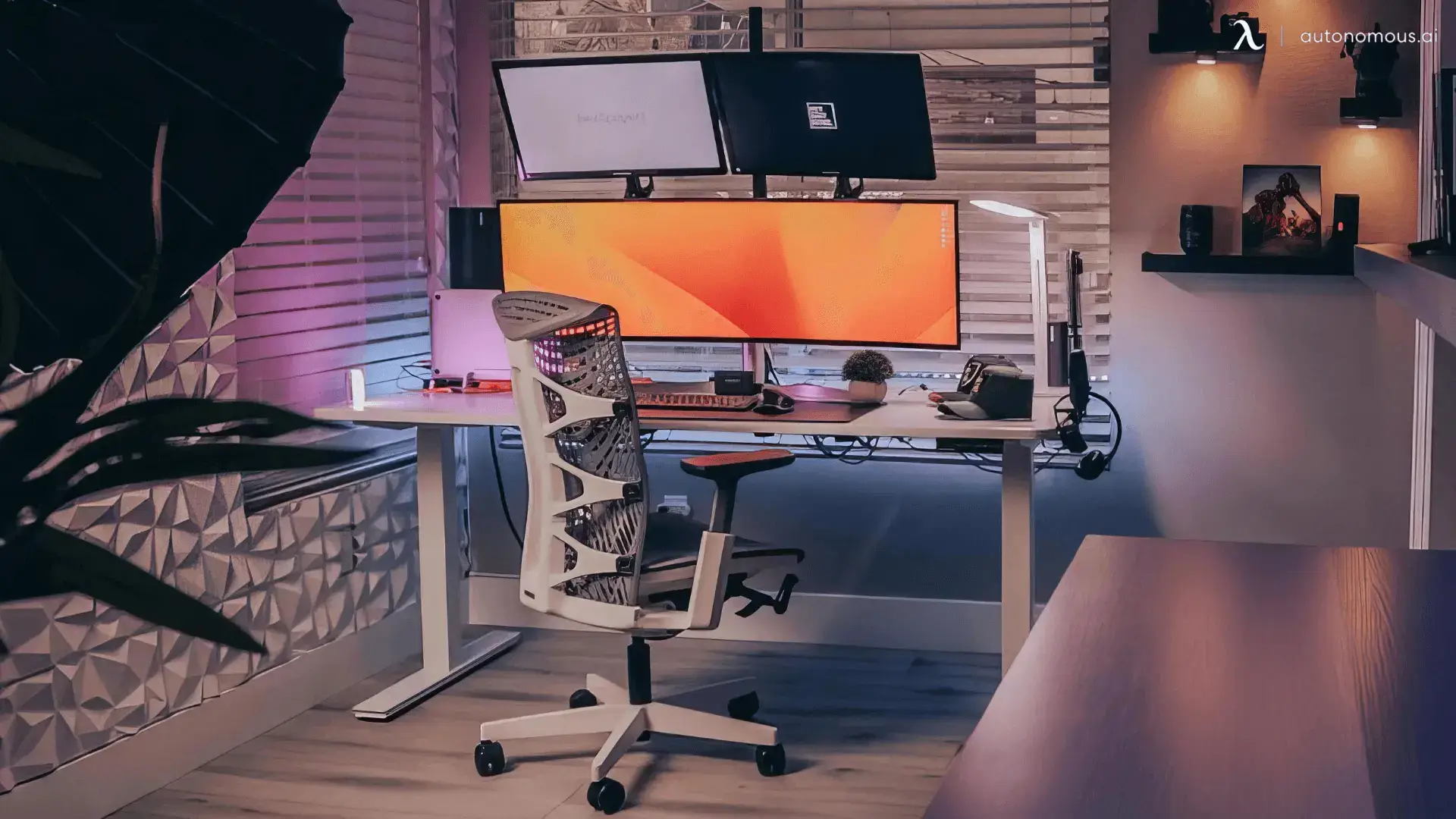
Your home office desk is more than just a place to work—it’s where your ideas take shape and your productivity soars. But is your setup helping you focus or holding you back?
Having the right essentials can transform your workspace from cluttered chaos into a powerhouse of efficiency. Imagine reaching for exactly what you need without breaking your flow. You’ll discover the must-haves that make your home office desk a space you actually want to spend time at.
Ready to upgrade your workday? Let’s dive in.
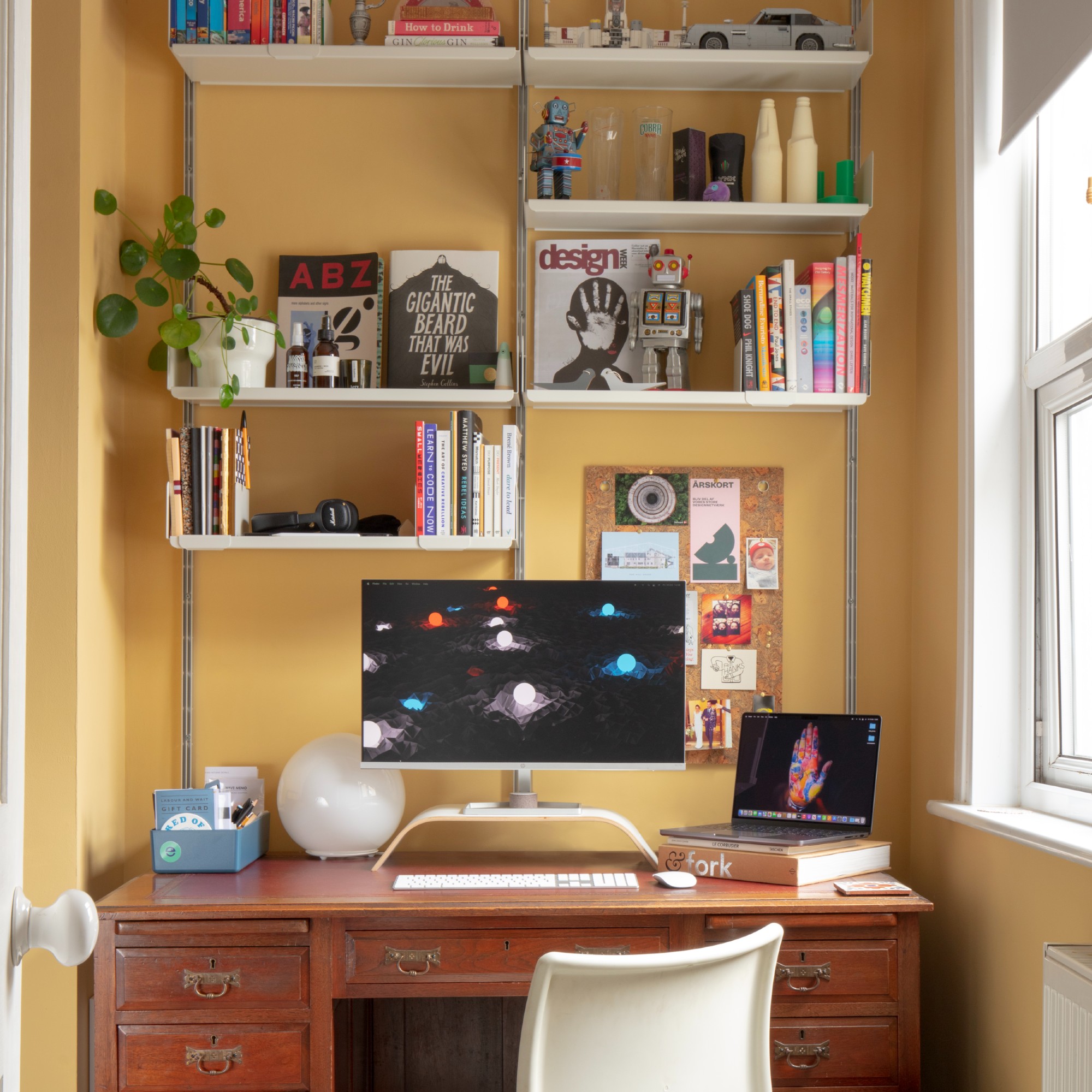
Credit: www.idealhome.co.uk
Ergonomic Chairs
Ergonomic chairs help keep your body comfortable during work. They reduce strain and improve posture.
Choosing the right chair is important for a healthy home office setup. It supports long hours of sitting.
Adjustable Features
Adjustable chairs fit your body and work style. You can change height, armrests, and tilt to suit you.
These features help you sit properly and avoid pain. Adjustments keep you comfortable all day long.
- Height adjustment for proper feet placement
- Armrest adjustment to support your arms
- Tilt control to change chair angle
- Seat depth adjustment for thigh support
Lumbar Support Benefits
Lumbar support keeps your lower back aligned. It prevents slouching and reduces back pain.
Good lumbar support helps maintain the natural curve of the spine. This support boosts comfort and focus.
- Supports lower back muscles
- Reduces pressure on spine discs
- Improves posture during long sitting
- Helps prevent fatigue and discomfort
Desk Selection
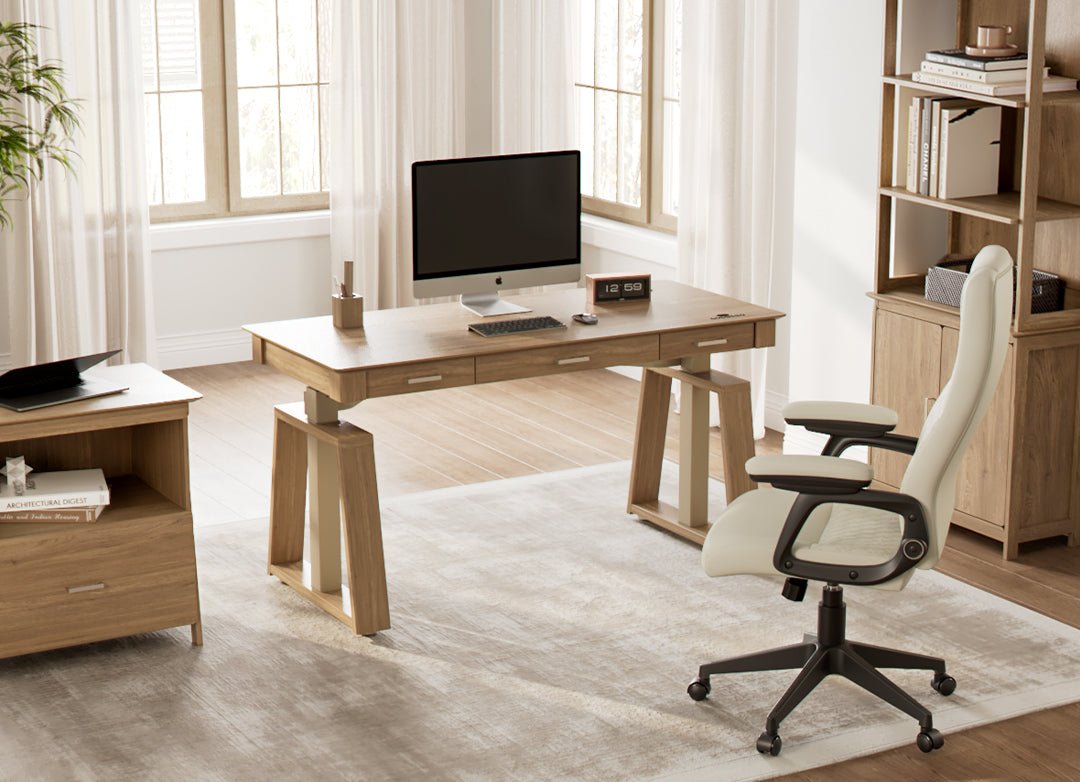
Choosing the right desk is important for a good home office setup. It affects your comfort and work efficiency.
Think about your space, work habits, and style before picking a desk. This helps create a better work environment.
Size And Shape Options
Desks come in many sizes and shapes to fit different rooms and needs. Pick one that matches your space and work style.
- Small desks save space in tight rooms.
- L-shaped desks provide extra surface for multitasking.
- Rectangular desks fit well against walls.
- Round desks allow easy communication if you meet with others.
Standing Desk Advantages
Standing desks let you change positions while working. This can improve health and focus.
| Benefit | Description |
| Reduces back pain | Standing eases pressure on the spine. |
| Increases energy | Movement helps keep you alert. |
| Burns more calories | Standing uses more energy than sitting. |
| Improves posture | Encourages a straighter back and neck. |
Monitor Setup
A good monitor setup is key for a productive home office desk. It helps reduce eye strain and makes work easier.
Setting up your monitors correctly can improve focus and comfort throughout the day.
Dual Monitor Benefits
Using two monitors lets you see more information at once. This saves time switching between windows.
It also helps with multitasking and improves workflow for many tasks like writing and research.
- View multiple documents side by side
- Keep communication apps open while working
- Increase screen space for creative work
- Reduce the need to minimize and maximize windows
Proper Screen Positioning
Place your monitors at eye level to avoid neck strain. The top of the screen should be at or just below your eyes.
Keep the screen about an arm’s length away. Position monitors to reduce glare from lights and windows.
- Top of screen at eye level
- Screen distance about 20-30 inches
- Angle screens slightly inward for dual setups
- Use adjustable stands for comfort
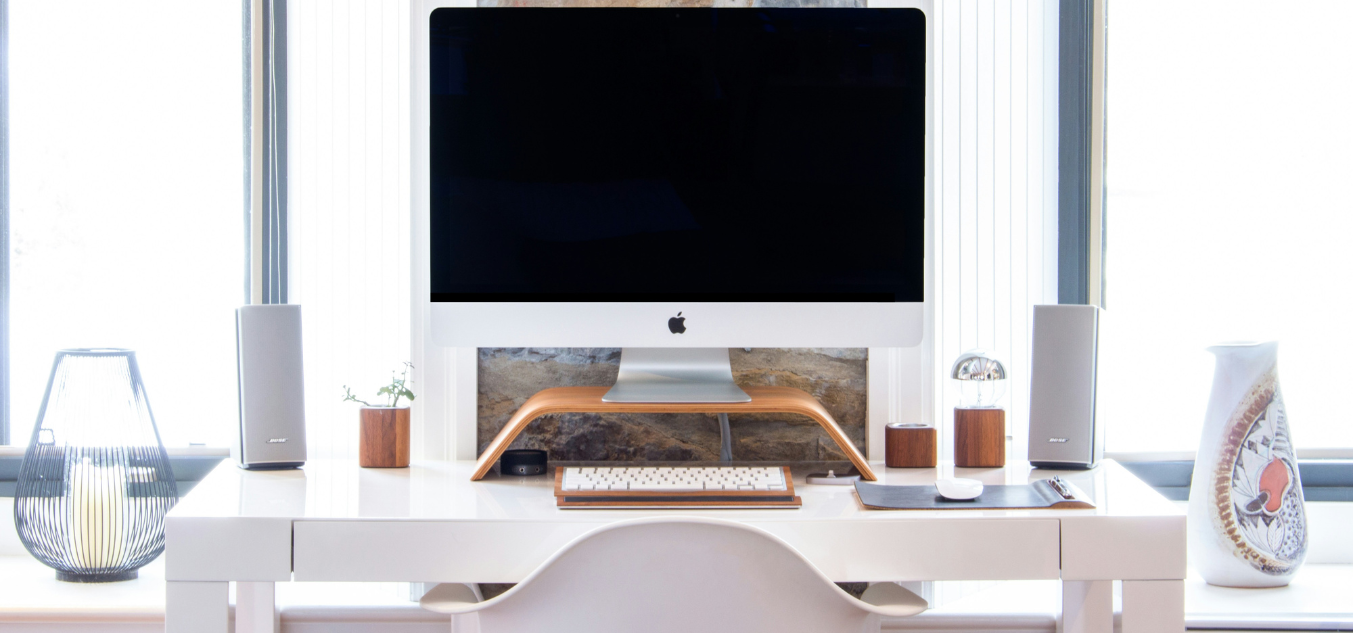
Credit: medium.com
Keyboard And Mouse
Setting up a home office means choosing the right keyboard and mouse. These tools impact comfort and productivity.
Consider ergonomic designs and connection types to enhance your work experience.
Ergonomic Designs
Ergonomic designs reduce strain on your hands and wrists. This can prevent long-term injuries.
- Curved keyboards support natural hand position.
- Vertical mice minimize wrist movement.
- Soft-touch keys ease typing pressure.
Wireless Vs Wired
Wireless and wired devices each have pros and cons. Make a choice based on your needs.
| Type | Benefits | Drawbacks |
| Wireless | Greater mobility, no cord clutter | Battery dependence, possible interference |
| Wired | Stable connection, no charging needed | Limited movement, cord management |
Lighting Solutions
Good lighting is key for a home office desk. It helps reduce eye strain and keeps you alert.
Choosing the right light source makes work easier and your space more comfortable.
Natural Light Use
Natural light is the best light for your workspace. It helps you feel awake and improves mood.
Place your desk near a window to get enough sunlight. Avoid glare by using curtains or blinds.
- Set desk close to a window
- Use sheer curtains to soften light
- Adjust blinds to reduce glare
- Keep windows clean for clear light
Desk Lamp Choices
Desk lamps provide focused light when natural light is not enough. Choose lamps with adjustable brightness.
Look for lamps with flexible arms or heads. This lets you direct light where you need it most.
- LED lamps save energy and last long
- Choose lamps with warm or neutral light
- Adjustable brightness helps reduce eye strain
- Flexible design lets you focus light easily
Organizational Tools
A tidy desk boosts productivity and focus. Organizational tools help keep your workspace neat and efficient.
Explore essential items that streamline your home office environment. These tools make daily tasks more manageable and keep your desk clutter-free.
Cable Management
Cables can quickly become a tangled mess. Effective cable management solutions keep your desk neat and safe.
- Use cable clips to secure wires along the edges of your desk.
- Label cables with tags for easy identification.
- Install a cable sleeve to bundle and hide multiple wires.
Desk Organizers
Desk organizers ensure that your tools and supplies are within reach. They help maximize space and maintain order.
| Organizer Type | Benefits |
| Pen Holder | Keeps writing tools accessible |
| File Tray | Organizes paperwork |
| Drawer Dividers | Separates small items neatly |
Tech Accessories
Tech accessories improve your home office experience. They help keep your workspace organized and efficient.
Choosing the right tech tools makes working from home easier and more comfortable.
Docking Stations
Docking stations connect many devices to your laptop. They reduce cable clutter on your desk.
Use a docking station to link monitors, keyboards, and mice quickly. It saves time and space.
- Connect multiple USB devices
- Attach extra monitors easily
- Charge your laptop and phone
- Keep cables organized
Noise-cancelling Headphones
Noise-cancelling headphones block background sounds. They help you focus on work.
Use these headphones for calls or deep concentration. They improve your home office comfort.
Comfort Enhancers
Creating a comfortable home office desk helps you work better. Small changes can make long hours easier.
Adding comfort enhancers like footrests and desk mats improves your posture and reduces fatigue.
Footrests
Footrests support your feet and legs while you sit. They help keep your body relaxed and reduce pressure.
Using a footrest can improve blood flow and prevent leg cramps. It also helps keep your spine aligned.
- Choose adjustable footrests for better fit
- Look for cushioned surfaces for comfort
- Non-slip bases keep footrests stable
Desk Mats
Desk mats protect your desk surface from scratches and spills. They create a smooth area for writing or using a mouse.
They add a soft layer that feels good on your wrists. This reduces strain during long work sessions.
- Choose mats with wrist support for comfort
- Select easy-to-clean materials for maintenance
- Pick sizes that fit your desk space well
Personal Touches
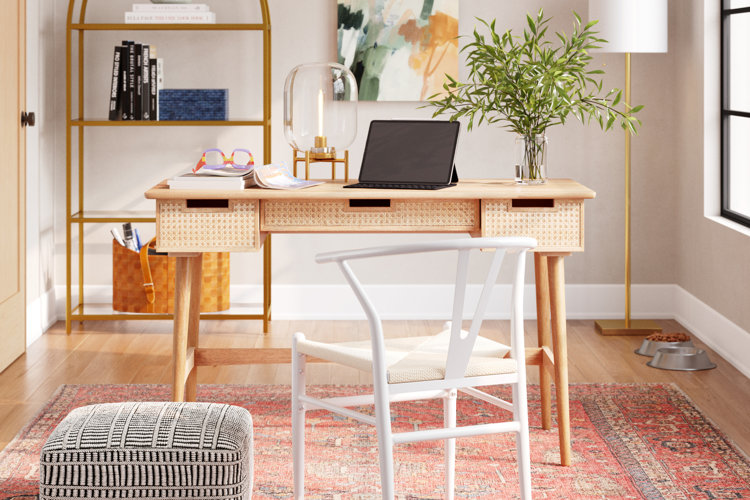
Your home office desk should feel like your space. Adding personal touches helps you stay comfortable and focused.
Small changes can boost your mood and keep your desk inviting throughout the workday.
Plants And Decor
Plants bring life and fresh air to your workspace. Decor items show your style and make the area unique.
- Small potted plants like succulents or cacti
- Colorful picture frames with photos or art
- Decorative desk organizers that match your style
- Soft lighting such as a small lamp or fairy lights
- Unique items like a vintage clock or a small sculpture
Motivational Items
Motivational items help keep your spirits up and your goals clear. These reminders can push you to do your best every day.
| Item | Purpose | Example |
| Quotes | Inspire and focus your mind | "Keep going, no matter what." |
| Goal List | Track progress and stay on task | Daily tasks or weekly targets |
| Vision Board | Visualize success and dreams | Photos, words, and drawings |
| Reward System | Celebrate achievements | Small treats or breaks |
Credit: www.wayfair.com
Frequently Asked Questions
What Essential Items Should I Have On My Home Office Desk?
A functional home office desk needs a computer, comfortable chair, good lighting, and organizer trays. Include a notebook, pens, and cable management tools for efficiency and tidiness.
How Can I Keep My Home Office Desk Organized?
Use drawer organizers, cable clips, and desk trays to separate items. Regularly declutter and only keep necessary supplies visible for a clean, productive workspace.
Why Is Good Lighting Important For A Home Office Desk?
Proper lighting reduces eye strain and boosts focus. Natural light is best, but adjustable desk lamps also provide adequate brightness during late hours.
What Ergonomic Tools Improve Home Office Desk Comfort?
An ergonomic chair, adjustable monitor stand, and wrist rest reduce strain. These tools promote better posture and prevent discomfort during long working hours.
Conclusion
A good home office desk setup makes work easier and more comfortable. Choose items that help you stay focused and organized. Small touches like a lamp or a plant brighten the space. Keep your desk neat to reduce stress and distractions.
These simple must-haves create a better work environment at home. A well-arranged desk helps you do your best every day.