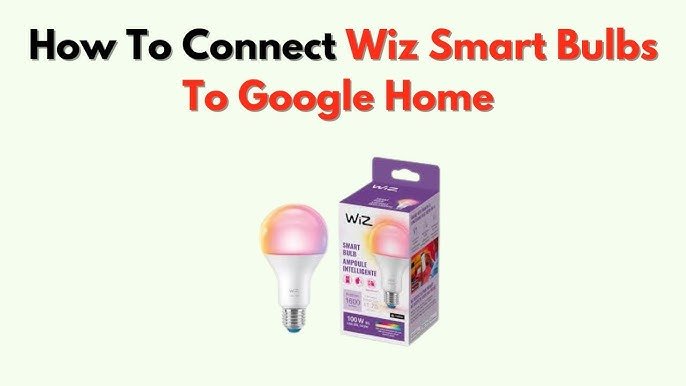
Imagine controlling your home lighting with just your voice. No more fumbling for switches or getting up from the couch.
If you’ve ever wondered how smart bulbs work with Google Home, you’re about to discover how simple and convenient it can be. This guide will show you exactly how these bulbs connect, respond, and make your daily routine easier. Ready to transform your home lighting?
Keep reading to unlock the full potential of your smart bulbs with Google Home.

Credit: www.lepro.com
Smart Bulbs Basics
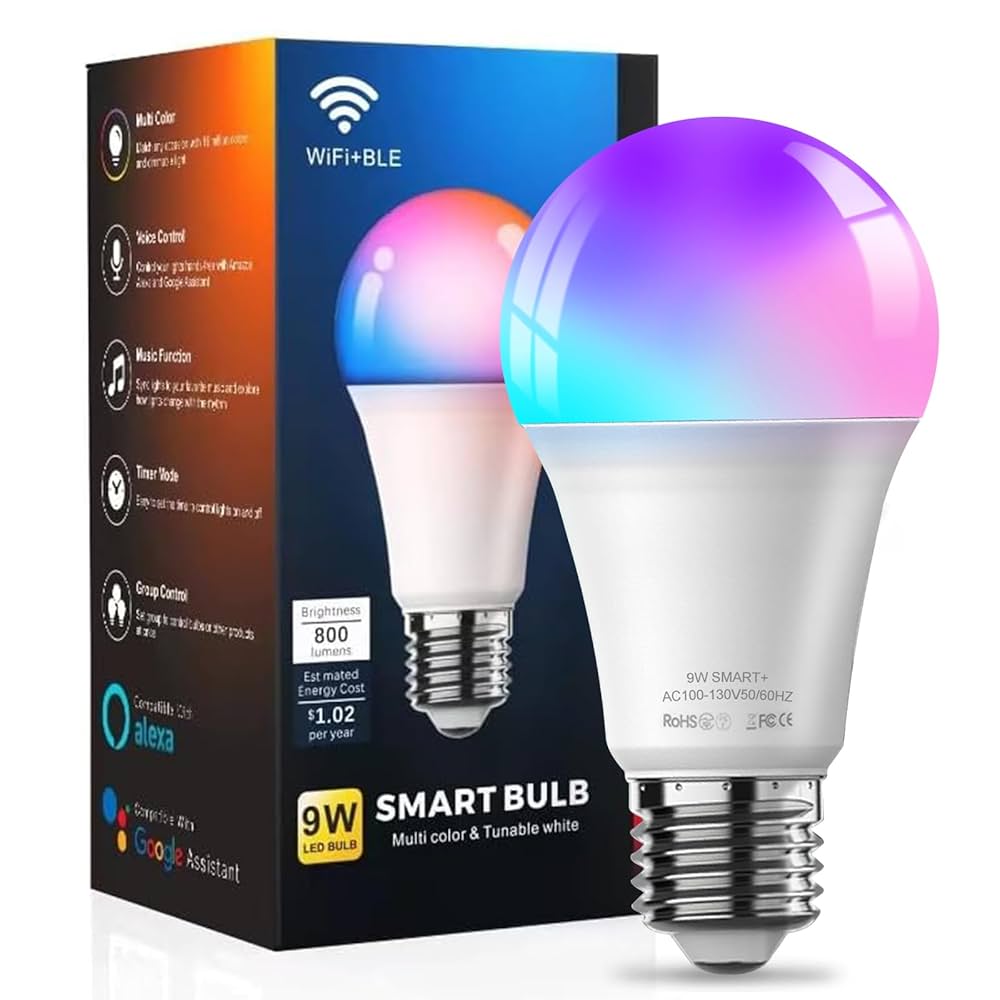
Smart bulbs are light bulbs you can control with apps or devices like Google Home. They connect using Wi-Fi or Bluetooth.
You can change brightness, color, and turn them on or off without touching the switch.
Types Of Smart Bulbs
There are several types of smart bulbs based on features and technology. You can find bulbs that only adjust brightness or ones that change colors.
- White bulbs: These bulbs offer adjustable brightness but no color changes.
- Color bulbs: These bulbs can change to millions of colors.
- Bluetooth bulbs: Connect directly to your phone or device without Wi-Fi.
- Wi-Fi bulbs: Connect through your home Wi-Fi for remote access.
Key Features
Smart bulbs have features that make lighting easier and more fun. Many work well with Google Home for voice control.
- Voice control: Use Google Home to turn lights on or off and adjust settings.
- Scheduling: Set times for your bulbs to switch on or off automatically.
- Dimming: Change brightness without special dimmer switches.
- Color changing: Pick colors to set moods or match your room.
- Energy saving: Smart bulbs often use less power than regular bulbs.
Google Home Essentials
Smart bulbs connect with Google Home to make lighting easy. You control lights with your voice or app.
Google Home acts as a hub to manage smart devices in your home. It works with many smart bulbs brands.
Google Home Setup
First, plug in your smart bulb and turn it on. Open the Google Home app on your phone.
Follow the app instructions to add the smart bulb to your device list. Connect it to your Wi-Fi network.
- Open Google Home app
- Tap "+" to add device
- Select "Set up device"
- Choose your smart bulb brand
- Follow on-screen steps to connect
Voice Commands Overview
You can ask Google Home to control your smart bulbs easily. Use simple voice commands for many tasks.
- "Hey Google, turn on the lights."
- "Hey Google, dim the living room light."
- "Hey Google, change the bedroom light to blue."
- "Hey Google, set the kitchen light to 50% brightness."
- "Hey Google, turn off all the lights."
Connecting Smart Bulbs To Google Home
Smart bulbs let you control your lights using your voice or app. Google Home works with many smart bulbs for easy control.
Connecting smart bulbs to Google Home is simple. It makes managing your home lighting faster and smarter.
Compatible Brands
Not all smart bulbs work with Google Home. You must pick brands that support Google Assistant.
- Philips Hue
- LIFX
- TP-Link Kasa
- Yeelight
- Nanoleaf
Step-by-step Pairing
Follow these steps to connect your smart bulb to Google Home easily.
- Install the smart bulb and turn it on.
- Open the Google Home app on your phone.
- Tap the "+" icon to add a device.
- Select "Set up device" and then "Works with Google".
- Choose your smart bulb brand from the list.
- Sign in to your bulb’s app account to link it.
- Follow the app instructions to complete setup.
Troubleshooting Connection
Sometimes connections fail. Use this table to fix common problems quickly.
| Issue | Possible Cause | Solution |
| Bulb not found | Bulb is off or out of range | Turn on bulb and move closer to router |
| Google Home can’t link | Wrong account or password | Check login details and try again |
| Commands not working | Wi-Fi or internet is down | Restart router and check internet |
| Bulb offline in app | Bulb lost power or reset | Power cycle bulb and reconnect |
Controlling Smart Bulbs
Smart bulbs connect to your Google Home to make lighting easy. You can change lights without touching switches.
Google Home helps you control smart bulbs using voice, apps, or set schedules. This gives you full control.
Using Voice Commands
You can speak to Google Home to control your smart bulbs. Just say what you want the light to do.
Voice commands let you turn lights on or off, change colors, or adjust brightness with simple words.
- Say "Hey Google, turn on the living room light"
- Ask "Set the bedroom light to blue"
- Tell "Dim the kitchen light to 50 percent"
App Controls
You can control smart bulbs using the Google Home app. The app shows all your bulbs in one place.
Use the app to turn bulbs on or off, pick colors, and change brightness with a tap.
- Tap a bulb to switch it on or off
- Use color wheel to pick a new color
- Slide brightness bar to adjust light level
Scheduling And Automation
You can set schedules for your smart bulbs in Google Home. Lights turn on or off at set times.
Automation helps save energy and keeps your home safe by making lights work automatically.
- Set lights to turn on at sunset
- Schedule lights to turn off when you leave
- Create routines that control multiple bulbs together
Advanced Features
Smart bulbs work with Google Home to offer many smart functions. These features make your lighting easier to control and customize.
Using voice commands or the app, you can change settings, create scenes, and track energy use. This helps you save energy and set the mood.
Color And Brightness Adjustments
Smart bulbs let you change color and brightness with Google Home. You can pick from millions of colors to fit your mood.
Adjusting brightness is easy by voice or app. This helps create the perfect light for reading, relaxing, or working.
- Choose warm or cool light tones
- Set brightness from dim to bright
- Switch colors for parties or calm times
Custom Scenes And Routines
You can create custom scenes that change lights automatically. Scenes save your favorite colors and brightness levels.
Routines let you schedule lights to turn on or off. This helps with daily habits like waking up or going to bed.
- Make a morning scene to brighten gradually
- Set an evening scene with soft colors
- Schedule lights to match your daily routine
Energy Monitoring
Some smart bulbs track how much energy they use. Google Home can show this data to help you save power.
Energy monitoring lets you see usage patterns. You can adjust settings to reduce electricity bills and help the environment.
- View daily or monthly energy use
- Find out which lights use the most power
- Make changes to save energy and money

Credit: www.lepro.com
Security And Privacy
Smart bulbs work with Google Home to create a smart lighting system. They offer convenience but require attention to security and privacy.
Understanding how these devices handle your data is crucial. This ensures your home remains secure.
Data Protection
Smart bulbs collect data about your usage patterns. This data helps improve their efficiency and performance.
Google Home uses encryption to protect your information. This ensures that your data remains safe from unauthorized access.
- Use strong, unique passwords for your devices
- Enable two-factor authentication
- Regularly update your smart bulb software
Network Safety Tips
Keeping your network secure is important. A secure network prevents unauthorized access to your smart bulbs and other devices.
Ensure that your Wi-Fi network is protected with a strong password. Avoid using public networks for controlling your smart bulbs.
- Change your Wi-Fi password regularly
- Disable network sharing features when not in use
- Use a guest network for visitors
Future Trends
Smart bulbs are changing how we light our homes. Google Home makes controlling them easy. Future trends will enhance this experience.
New features and integrations are on the horizon. These will make smart bulbs even smarter.
Upcoming Innovations
Smart bulbs will soon offer more colors and brightness options. They will adjust based on time of day or weather conditions.
Voice control will become more advanced. Users will give more complex commands.
- Automatic adjustments for sunrise and sunset
- Energy-saving modes based on usage patterns
- Improved voice recognition
Integration With Other Smart Devices
Smart bulbs will connect with more devices. This will create a seamless smart home experience.
Integration with security systems will enhance safety. Lights will react to alarms or camera signals.
- Syncing with smart speakers for music modes
- Connection with thermostats for optimal lighting
- Integration with doorbells for welcome lights
Credit: www.amazon.ca
Frequently Asked Questions
How Do Smart Bulbs Connect With Google Home?
Smart bulbs connect to Google Home through Wi-Fi or a smart hub. Google Home controls bulbs via voice commands using the Google Assistant app. Once linked, users can turn lights on/off, adjust brightness, and change colors easily through voice or app controls.
Can Google Home Control Multiple Smart Bulbs Simultaneously?
Yes, Google Home can control multiple smart bulbs simultaneously. You can group bulbs by room or function in the Google Home app. This allows you to command several bulbs at once, like turning all living room lights on or off with one voice command.
What Smart Bulb Brands Work Best With Google Home?
Popular smart bulb brands compatible with Google Home include Philips Hue, LIFX, TP-Link Kasa, and Sengled. These brands offer reliable connectivity, a wide range of colors, and easy integration with Google Assistant for seamless voice control and automation.
Is Internet Required For Smart Bulbs To Work With Google Home?
Yes, an internet connection is required for Google Home to control smart bulbs. The bulbs rely on Wi-Fi to communicate with Google Assistant in the cloud. Without internet, voice commands and remote control features won’t function properly.
Conclusion
Smart bulbs work smoothly with Google Home to make life easier. You control lights with simple voice commands. Setting schedules or changing colors happens in seconds. This smart setup saves energy and adds comfort to your home. Anyone can use it, no tech skills needed.
Try it yourself and enjoy a brighter, smarter living space.