Are you wondering if you can add your Nest Thermostat to Apple Home? You’re not alone.
Many people want to control their smart home devices seamlessly from one place. Imagine adjusting your thermostat with just a tap on your iPhone or a simple voice command to Siri. It sounds convenient, right? But is it actually possible with Nest and Apple Home?
Keep reading to find out how you can make your smart home work better for you.
Nest Thermostat Features
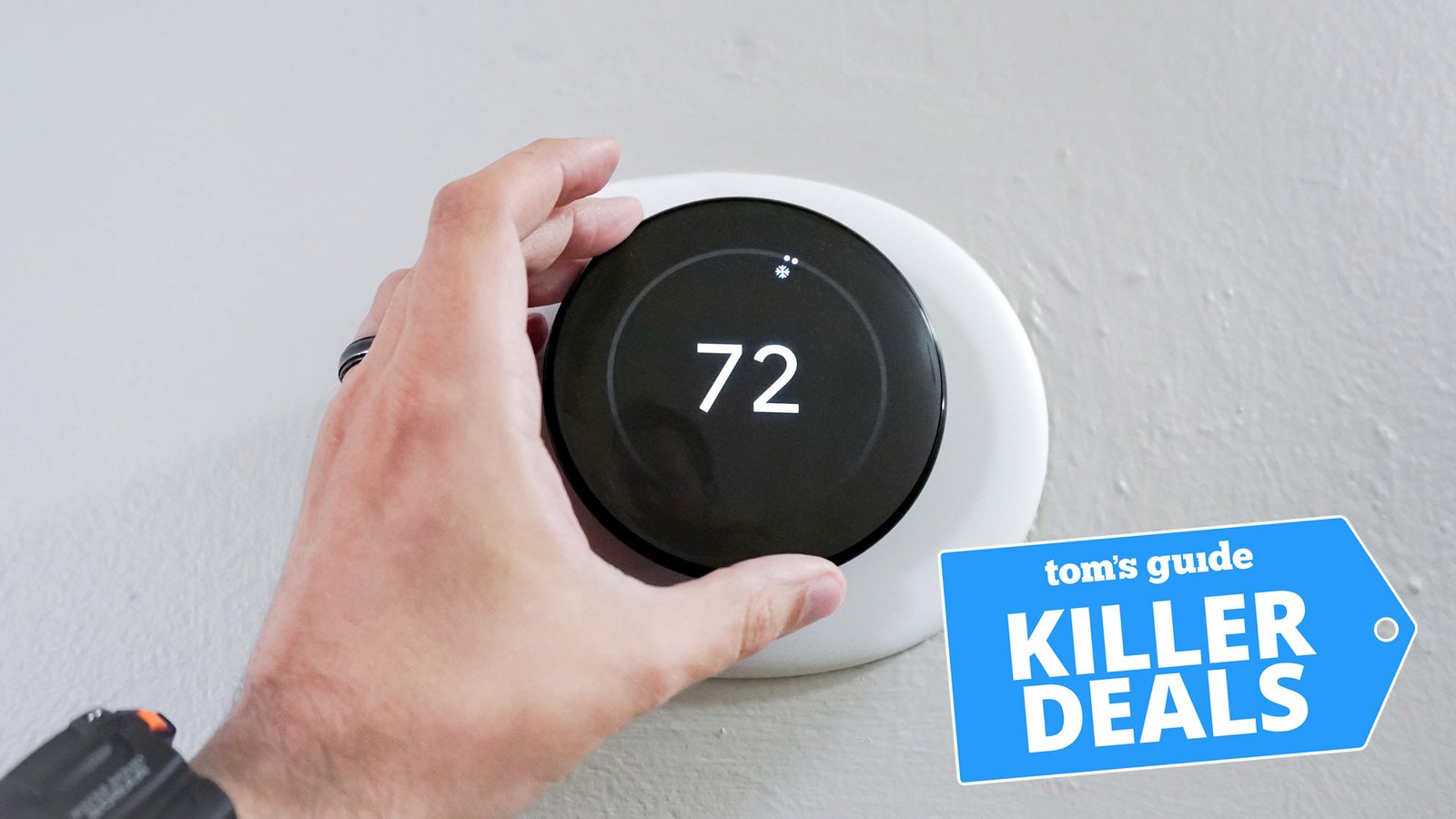
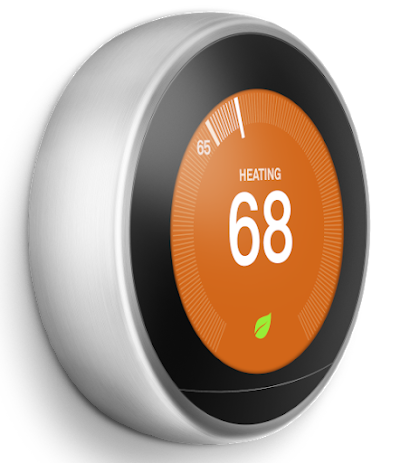
The Nest Thermostat is a smart device that controls your home's heating and cooling. It learns your schedule to save energy.
You can control the thermostat from your phone or voice assistant. It has simple controls and clear display.
Key Functions
The Nest Thermostat offers many useful functions that help you manage your home's temperature easily.
- Auto-schedule learns your preferred temperatures
- Remote control via smartphone app
- Energy usage reports show how you save
- Voice control works with Google Assistant and Alexa
- Eco mode saves energy when no one is home
- Alerts notify you about extreme temperatures
- Easy installation with step-by-step guides
Compatibility Basics
The Nest Thermostat works with many smart home systems but has limits with Apple Home.
Apple HomeKit does not directly support Nest Thermostat. You cannot control it using Apple Home app natively.
- Nest Thermostat supports Google Home and Amazon Alexa
- No official Apple HomeKit support from Nest or Google
- Third-party bridges or hubs may add limited Apple Home control
- Using Google or Nest app is best for full control
Apple Home Ecosystem
Apple Home lets you control smart devices from one app. It connects lights, locks, cameras, and more.
Using Apple Home, you can make your home smarter and easier to manage.
Homekit Essentials
HomeKit is Apple’s platform for smart home devices. It helps devices work together safely.
To use HomeKit, you need compatible devices and the Apple Home app on your iPhone or iPad.
- Secure control of your devices
- Automation for routines and scenes
- Voice commands with Siri
- Remote access via Apple Home Hub
Supported Devices
Apple Home supports many devices that have HomeKit built-in. You can add lights, thermostats, and cameras.
The Nest Thermostat is not officially supported in Apple Home. It uses Google’s system, not HomeKit.
- Devices with HomeKit work directly in Apple Home
- Nest Thermostat works with Google Home, not Apple Home
- You can use third-party apps for limited integration
- For full control, use HomeKit-compatible thermostats
Nest And Apple Home Integration
The Nest Thermostat is a popular smart home device for controlling temperature. Many Apple users want to add Nest to their Apple Home setup. This lets them control devices from one app.
Understanding how Nest works with Apple Home is important. Not all smart devices connect directly to Apple’s Home app. Let’s explore the official support and other options.
Official Support Status
Apple HomeKit does not officially support Nest Thermostats. Google owns Nest and uses its own ecosystem. This means you cannot add Nest devices directly to Apple Home.
Without native support, you miss out on Siri voice control through Apple Home. The Nest app or Google Home app is required for full control. Apple Home shows no Nest status or controls.
Workarounds And Alternatives
Some users find ways to connect Nest with Apple Home using third-party tools. These workarounds link Nest data with HomeKit. They require extra setup and may not be reliable.
- Use a Homebridge server to bridge Nest and HomeKit.
- Install Nest plugin on the Homebridge platform.
- Configure your Apple Home app to recognize Nest devices.
- Check for updates often as plugins may break with new software.
- Consider using HomeKit-compatible thermostats for easy integration.
| Method | Pros | Cons |
|---|---|---|
| Homebridge with Nest Plugin | Allows Siri control, integrates Nest | Needs technical setup, may break after updates |
| Using Google Home App | Official app, full Nest features | No Apple Home integration, separate app |
| Switch to HomeKit Thermostat | Works directly with Apple Home | Cost of new device, no Nest features |

Credit: www.reddit.com
Smart Setup Steps
Adding a Nest Thermostat to Apple Home can simplify your smart home control. Follow these steps for a smooth setup.
This guide covers preparing your device, connecting it, and fixing common problems.
Preparing Your Nest Thermostat
Before connecting, make sure your Nest Thermostat is updated and ready.
- Check that the thermostat is powered on and connected to Wi-Fi.
- Update the Nest app on your phone to the latest version.
- Ensure your Apple device runs the latest iOS or iPadOS.
- Sign in to your Google account linked to the Nest device.
Connecting To Apple Home
Link your Nest Thermostat to Apple Home using these steps.
- Open the Home app on your Apple device.
- Tap the plus icon to add a new accessory.
- Scan the HomeKit setup code on your Nest Thermostat or its packaging.
- Follow on-screen instructions to complete setup.
- Assign the thermostat to a room for easier voice control.
Troubleshooting Tips
If you face issues, try these common fixes to connect your Nest Thermostat to Apple Home.
| Problem | Solution |
| Cannot find Nest in Home app | Restart your thermostat and ensure Wi-Fi is active. |
| HomeKit code not scanning | Enter the code manually in the Home app. |
| Thermostat not responding to Siri | Check your Apple device’s internet connection and Siri settings. |
| Setup fails repeatedly | Reset your Nest Thermostat and try the setup again. |
Using Voice Control
You can control your Nest Thermostat using voice commands through Apple Home. It lets you adjust temperature without touching your phone or thermostat.
Voice control works by linking your Nest Thermostat to Apple Home with compatible devices. Siri helps you manage your thermostat easily.
Siri Commands
Siri lets you use simple commands to control the Nest Thermostat. Speak to Siri on your iPhone, iPad, or HomePod to adjust settings.
- “Hey Siri, set the thermostat to 72 degrees.”
- “Hey Siri, increase the temperature by 2 degrees.”
- “Hey Siri, what is the current temperature?”
- “Hey Siri, turn off the heating.”
- “Hey Siri, set the thermostat to eco mode.”
Automation Ideas
You can create automations in Apple Home to control your Nest Thermostat automatically. These actions happen based on time or other device triggers.
Automations save energy and keep your home comfortable without manual control.
- Set temperature to lower when you leave home.
- Raise temperature before you arrive back.
- Adjust thermostat based on weather changes.
- Turn off heating or cooling when windows open.
- Combine with lighting automations for comfort.
Credit: support.google.com
Benefits Of Integration
Adding a Nest Thermostat to Apple Home offers great benefits. It makes managing home energy easy and efficient.
You can control your home's temperature from your Apple device. This integration boosts convenience and saves energy.
Energy Savings
Integrating your Nest Thermostat with Apple Home helps reduce energy use. You can set your thermostat to adjust automatically.
- Program your thermostat for different times of the day.
- Monitor energy usage through your Apple device.
- Receive alerts for unusual energy spikes.
Convenience Boost
Controlling your thermostat through Apple Home is convenient. It allows for easy adjustments without moving from your spot.
Imagine adjusting your home's climate from your bed or sofa. This feature is available using the Apple Home app.
| Feature | Benefit |
| Remote Access | Control from anywhere |
| Voice Commands | Hands-free adjustments |
| Automation | Schedules for efficiency |
Common Issues
Adding a Nest Thermostat to Apple Home can be tricky. Users face some common issues during this process.
Understanding these issues helps in resolving them quickly. Here are some frequent problems and their details.
Connectivity Problems
Connectivity is a common issue when adding a Nest Thermostat to Apple Home. Devices might not connect easily.
Interference from other devices can cause problems. Ensuring a stable Wi-Fi connection is crucial.
- Check Wi-Fi settings on both devices
- Ensure devices are on the same network
- Restart devices if necessary
Compatibility Challenges
Compatibility can be another hurdle. Not all Nest Thermostats work smoothly with Apple Home.
Some older models may not support Apple Home integration. Checking model compatibility is important.
- Verify device compatibility before setup
- Update firmware to the latest version
- Consult official support for specific models

Credit: www.youtube.com
Frequently Asked Questions
Can I Connect Nest Thermostat Directly To Apple Home?
No, Nest Thermostat cannot connect directly to Apple Home due to compatibility limits. It uses Google’s ecosystem, not Apple’s HomeKit.
How To Control Nest Thermostat With Apple Homekit?
You cannot control Nest Thermostat natively with Apple HomeKit. Use third-party apps or HomeBridge for indirect integration.
Is There An App To Link Nest Thermostat And Apple Home?
Yes, third-party apps like HomeBridge enable linking Nest Thermostat with Apple Home for limited control.
Can Siri Control Nest Thermostat Via Apple Home?
Siri cannot control Nest Thermostat directly since it lacks native HomeKit support. Use HomeBridge for voice commands.
Conclusion
Adding a Nest Thermostat to Apple Home has its limits. Nest does not fully support Apple HomeKit. You can control Nest with Google Home or Nest app instead. Some workarounds exist but are not simple or reliable. Consider your smart home needs carefully before trying this setup.
Choose devices that work well together for easier control. Smart home should be simple and stress-free. Keep your options open and pick what fits best.